← Back to home 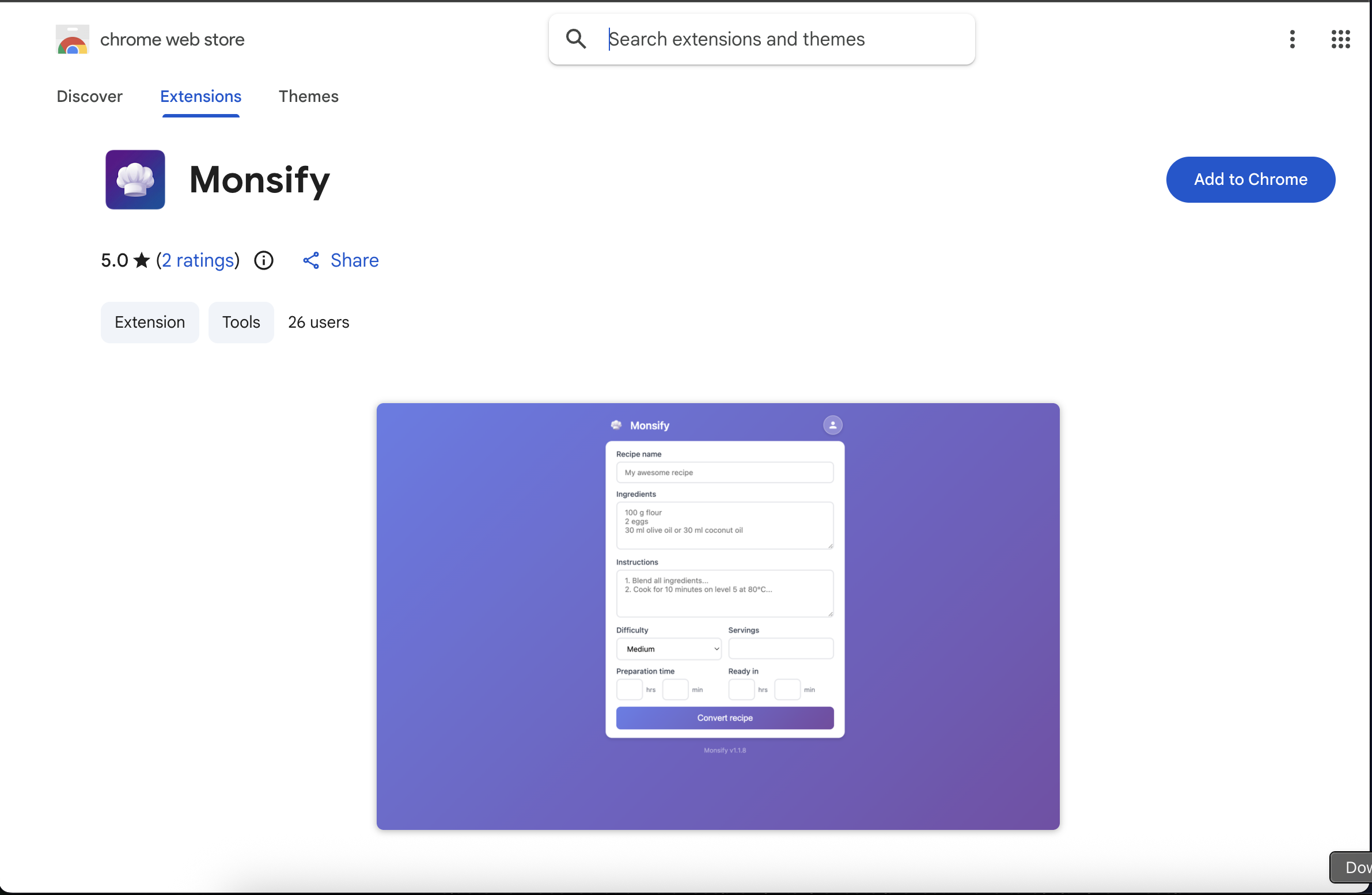
How to Install and Use the Chrome Extension
1. Install the Extension
Click the "Download for Google Chrome" button and you will be redirected to the Chrome Web Store. Click "Add to Chrome" and confirm the installation.
2. Pin the Extension
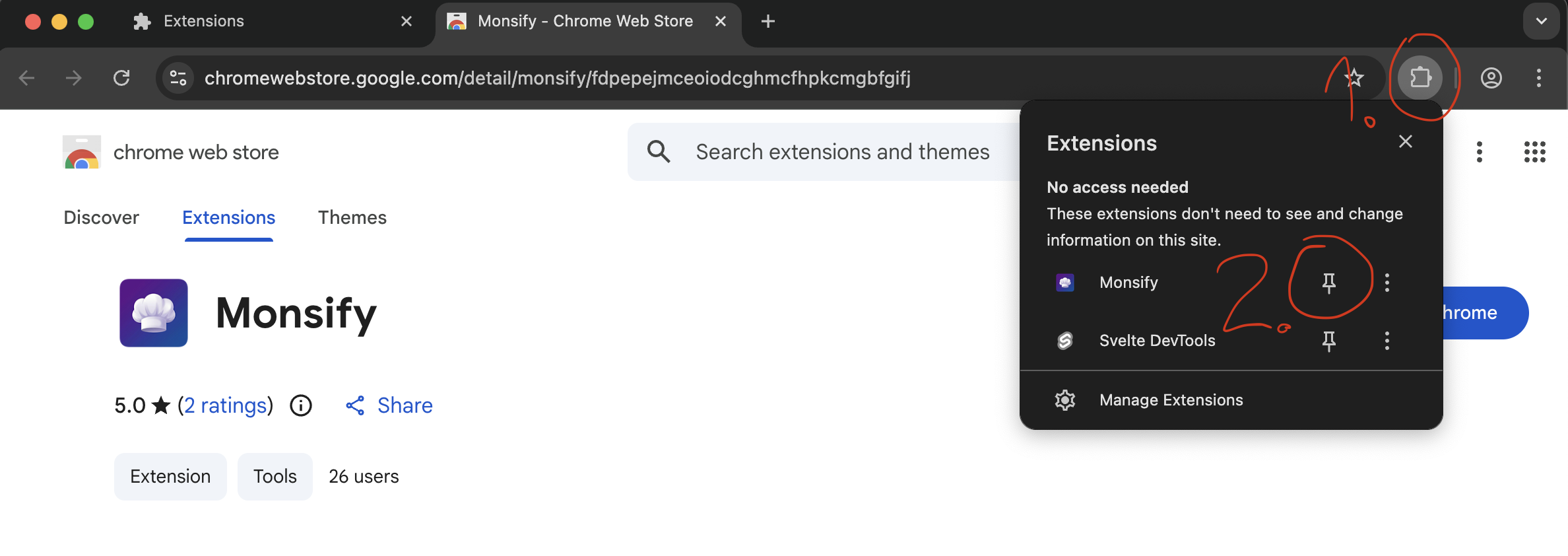
After installation, click the puzzle icon in the top right corner of your browser and pin Monsify by clicking the pin icon, so the extension is always at hand.
3. Use Monsify
Click the Monsify icon. The app will guide you through the recipe conversion.